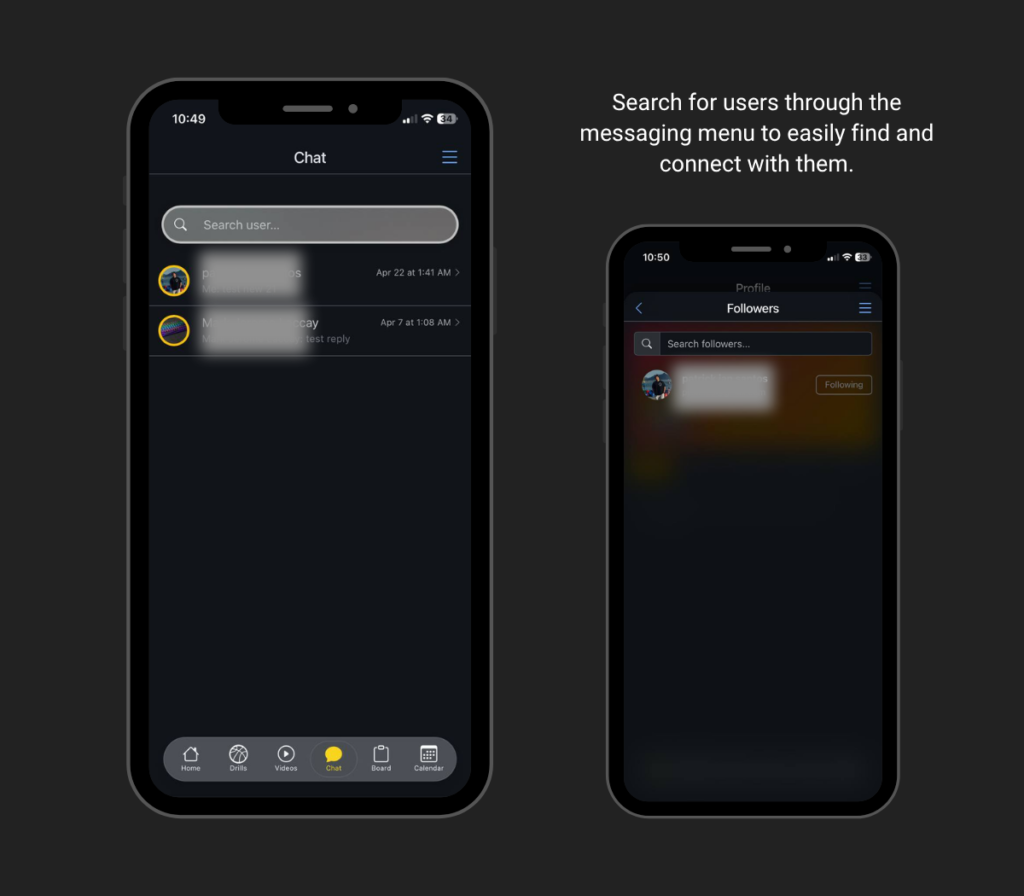
1. Open the Chat Feature
Begin by navigating to the Chat Menu from the app’s main navigation bar. This section serves as your central space for all private and direct conversations with other users.
2. Search for Users
Use the search function to find specific players or coaches you want to connect with. You can look them up by name or browse through suggested users within the community.
3. Start a Conversation
Once you find the user you want to connect with, tap on their profile and open a chat window. This allows you to initiate a direct conversation instantly.
4. Send Messages in Real-Time
Communicate with other users through instant messaging. This real-time feature allows you to exchange information quickly, whether it’s about training, schedules, or basketball discussions.
5. Maintain Connections
Keep your conversations active by regularly engaging with your contacts. Building consistent communication helps strengthen your network within the basketball community.